Courses

Kubernetes

Hands-on Kubernetes Course

This course is a great fit not only for DevOps engineers, but also for developers who work with k8s. It covers all the essential hands-on knowledge you need on the job. The course is built around a "from practice to theory" approach - it won't be boring!

Included in the Mentorship program

Course price: $214 $160
Start for free

Free access to the first 4 practice tasks

We'll spin up a cluster, connect to it, learn what connection methods exist, and pick the most convenient one

Next, without delay, we'll launch a test workload and break down exactly how containers are started inside a Pod

After that you'll learn to write manifests describing Kubernetes resources, and you'll study all the most popular resources required in day-to-day work

We'll examine how the load is distributed across a k8s cluster, what types of nodes exist, and how we can limit the consumption of individual applications to ensure reliable operation of the whole cluster

We'll dive into the networking side: services, port-forwarding, ingress. We'll launch a load balancer and cert-manager to issue a real SSL certificate.

We won't skip the difference between stateful and stateless services. We'll attach volumes for storing application data and their configuration (configmap/secrets)

We'll learn to run scheduled tasks via cronjobs, as well as to choose the node on which an application should run.

We'll touch on scaling both pods and the nodes themselves, in order to dynamically adjust resources and handle the load

And of course, we'll learn how to strengthen the security of applications and of the entire cluster through service accounts and Role Based Access Control

Step-by-step instructions

Progressing from simple to complex, following instructions step by step with a detailed description of the result

Automatic validation

After completing each task, you can check your solution right away without contacting an instructor

Ask a question anytime

Feedback from the course author at every step. A list of the most common questions with answers

Trained AI assistant

Available 24x7 to answer all your questions, conduct a technical interview, and provide a list of common questions on the topic

Hands-on tasks (28 lessons)

  1. Launching a cluster, configuration file
  2. Installing kubectl. Connecting to the cluster
  3. Running production workloads via kubectl
  4. Creating a manifest to describe a workload (pod, deployment)
  5. Configuring Limits/Requests. Master and Work nodes
  6. Pod statuses. Readiness, Liveness probes
  7. Service resource. NodePort type
  8. Service of type ClusterIP and ExternalName
  9. Running a pod with tooling (ping, dig, telnet …)
  10. Port forwarding
  11. Service of type Load balancer. Ingress resource. Routing traffic from the internet
  12. Cert-manager. Automatic SSL certificate issuance
  13. Data storage: ConfigMap, Secrets
  14. Volumes: data persistence (PV, PVC)
  15. Config Volumes: mounting ConfigMap files
  16. Configuring an application via ENV and Secrets
  17. StatefulSets
  18. DaemonSet
  19. Jobs and scheduled runs with Cronjobs
  20. NodeAffinity, NodeSelector
  21. PodDisruptionBudget, PriorityClass
  22. Scaling pods: HorizontalPodAutoscaler
  23. Scaling nodes: Autoscaler
  24. LimitRange/ResourceQuota
  25. Service Accounts & RBAC
  26. Gateway API - a modern alternative to Ingress
  27. VolumeSnapshots & Volume Resize
  28. Pod spread topology
Show all

Self-paced track

/01

You get detailed instructions and theory for completing each task, plus a ready-to-use lab environment

/02

After you complete a task, your result is checked automatically

/03

For every task in the course you can ask the author a question and get an answer. It matters to us that everything is clear to you

Track with a mentor

Mentorship program (4-6 months)

Personalized approach

In the first one-on-one online meeting, we figure out your goals and skills. We build a professional development plan

Learning by doing

You progress according to the plan, including by using our courses

Regular meetings

The program includes 4 personal consultations, in which we'll be sure to resolve all your questions.

Working on a project

After mastering the course materials, you can move on to a project that has a real-world counterpart in "production" and runs on the same codebase. At this stage, the knowledge you've gained earlier will be reinforced. You'll be provided with the source code, instructions, and support.

Unique materials

Only as part of the mentorship program do you get access to materials that include a collection of real DevOps cases, problems, and ways to solve them

A sense of confidence

Only as part of the mentorship program do you get access to materials that include a collection of real DevOps cases, problems, and ways to solve them

Learn more
Launch a cluster    Launch your own cluster and run a deployment today

Our own platform

Built for effective learning, the platform features a convenient web interface and a client-side component, Kurator, which is used to validate the results of your work
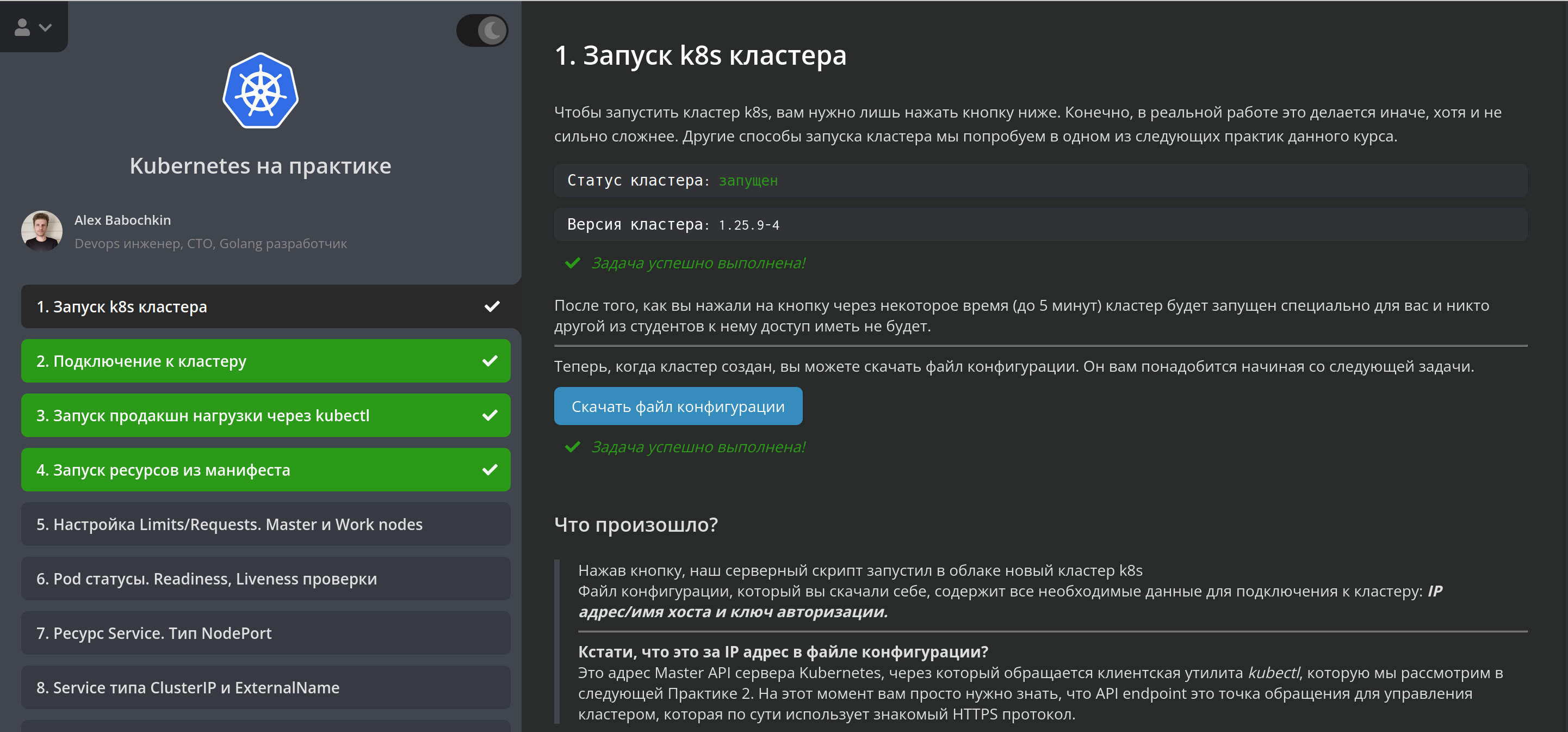


There's a light theme too
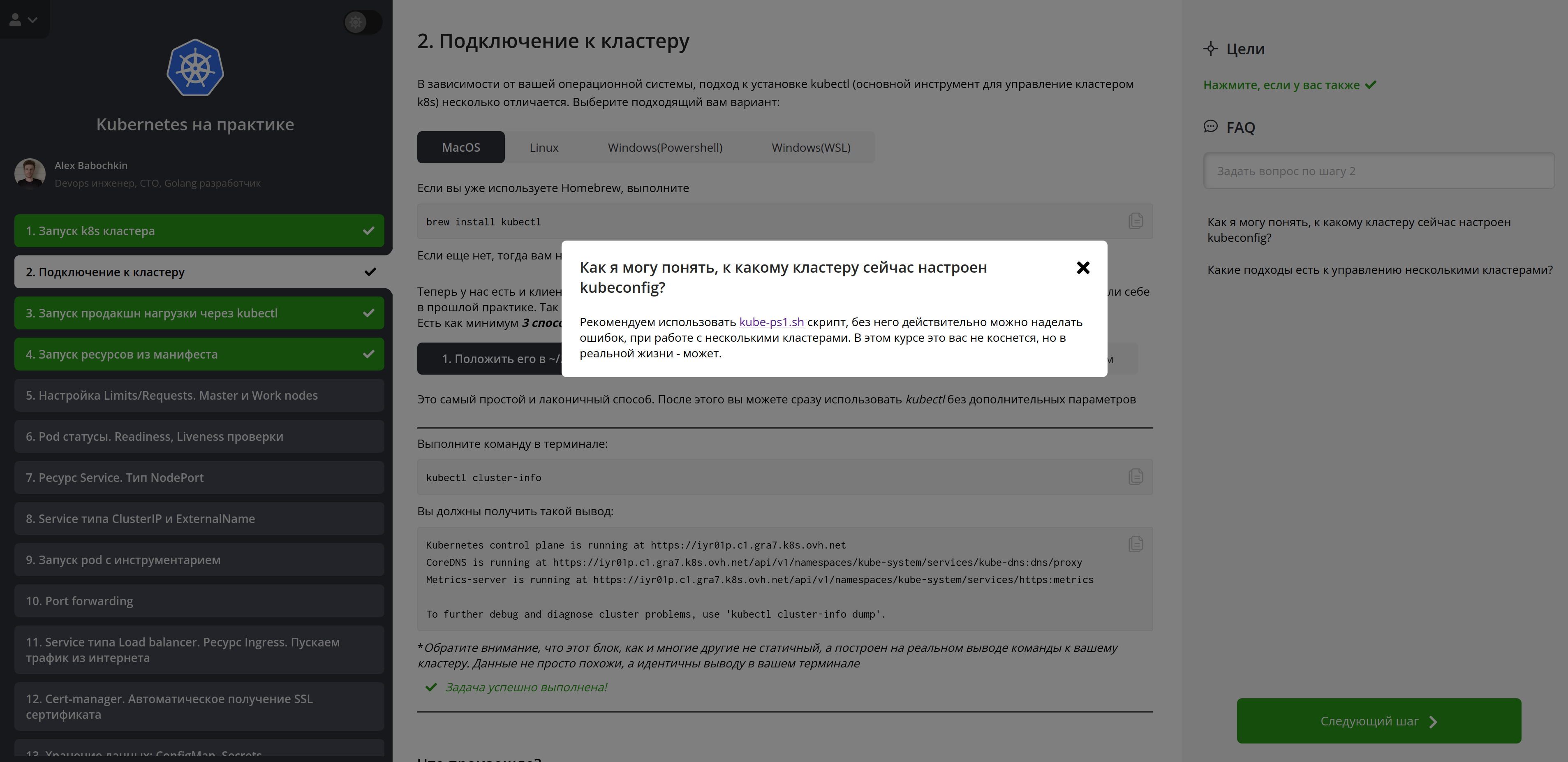
Platform benefits

benefits icon

You gain hands-on knowledge by completing tasks in a ready-made, genuinely working environment

benefits icon

Setup is minimal — start right away!

benefits icon

Instant validation of every task lets you immediately see the result of your work

benefits icon

Feedback from the course author at every step — clarify any details if something is unclear

benefits icon

Every course is kept up to date. We constantly expand and refresh the materials, so they always stay current

benefits icon

The latest versions and our own in-house tool — Kurator

benefits icon

Upon completing the course, you can request a certificate from DevopsTrain

benefits icon

The price is incomparably lower than well-known courses, and the results are better

Launch a cluster    Launch your own cluster and run a deployment today

Team

avatar
Alexander

CTO, DevOps engineer, Go developer. Author and creator of DevopsTrain

avatar
Sofya

Account manager

avatar
Galina

Course coordinator

Reviews

Review (Kubernetes)

As someone who had never worked with k8s before, I really enjoyed the course. It's convenient that the infrastructure is already set up (no need to fuss with it), the material is presented in an engaging way with examples and validations. And for that price it's just on fire!

avatar

Alexey, on the platform since 14.09.24

Review (Kubernetes)

Exactly what I was looking for to quickly dive into hands-on practice. The format and execution are great.

avatar

Natalya, on the platform since 24.03.24

Loved the course (Kubernetes)

Everything is laid out competently and clearly. If anyone asks me for a Kubernetes tutorial, your course is the first thing I'll recommend. Thank you!

avatar

Vladimir, on the platform since 17.06.23

(Kubernetes)

For someone who had never dealt with k8s, the course provided the foundational skills — everything is described very pleasantly and well.

avatar

Viktor, on the platform since 05.10.23

A good course with hands-on tasks (Kubernetes)

This is a genuinely valuable course covering the most important and relevant areas of Kubernetes. Now, after finishing it, I use it as a reference in my work

avatar

Mikhail, on the platform since 12.08.23

This practicum is clearly underrated (Kubernetes)

K8s courses cost several times more, yet they still wouldn't give this level of hands-on immersion. Plus real savings on cloud resources. I always got a quick answer to any questions that came up

avatar

Ivan, on the platform since 28.08.23

Simply wonderful (Roadmap)

The Roadmap is simply wonderful — I finally found a rough description of what a DevOps engineer should be able to do and know. It makes searching for information easier and structures my learning, big plus for that.

avatar

Irina, on the platform since 28.11.23

An interesting format (Kubernetes)

I think the course is a perfect fit for those who value their time and don't like watching a lot of video material. Literally from the very first task I was immersed in practice, and it's genuinely interesting!

avatar

Alexey, on the platform since 24.03.23

Blog

🚀 Updates to the 'Hands-on Kubernetes' Course

Updates to the popular 'Hands-on Kubernetes' course: new diagrams and sections on Gateway API, VolumeSnapshot, VolumeResize, and Pod Spread Topology

🎉 Year 2025 AD in Review 🎉

2025 year in review for DevopsTrain

🎉 DevopsTrain YouTube Channel 🎉

Announcement of the new DevopsTrain YouTube channel

Measure once, cut twice

On the importance of double-checking before performing destructive operations

New course! — DevOps Troubleshooting 😱

Announcing a new course on troubleshooting DevOps cases

Tests Through the Eyes of a DevOps Engineer

On understanding testing to correctly configure CI/CD pipelines

DevOps as a progressive and conservative field

On the balance between being progressive and conservative in DevOps

Nowhere Without a Plan

On the importance of planning critical operations in production

What's the Point of My Platform

How the devopstrain course format advances your DevOps learning

Middle or Junior ❔

Why you should consider positioning yourself as a Middle if you have experience in adjacent fields

Startup, Mid-size, Enterprise

Differences, pros and cons of working at companies of different sizes

NixOS a year later

Impressions from using NixOS as a home system after a year of use

A bit about DevSecOps

What the DevSecOps approach is really about and how it differs from traditional security practices

DevOps as a Safe Haven in the Brave New World of AI

Why DevOps specialists will remain in demand in the age of AI

Truly your last chance NOT to end up driving a taxi

How AI is changing the IT industry and what specialists should do

Mentorship: A Passing Trend or Something More?

Reflections on the role of mentorship in modern DevOps

AI Assistant in Devopstrain

A case study of using LLM models in an educational platform

Breaking Down an SRE Engineer Job Posting

An analysis of the requirements for an SRE engineer at Sber-Insurance

Console GUI utilities

Handy text interfaces for working with servers

Myths About DevOps

Common misconceptions about DevOps

Kubernetes 1.32.

Breaking down the SLO, SLA, and SLI metrics

Is It Worth Becoming a Team Lead?

Cloud infrastructure outages. Who's to blame?

How I Create Courses

NixOS 3

Breaking Down an Interview Question

Murphy's law

NixOS 2

NixOS

Work-life balance in DevOps

Terraform in the pipeline

Do you always need CI/CD?

DevOps principles recommend building complete delivery chains: from commit to deploy. But is it always worth following these principles 👽?

Golang for DevOps

Why it's better to use Golang for DevOps needs

Where to Start Learning DevOps

How to become a DevOps engineer

Common Questions in a Technical DevOps Interview

Prometheus metrics

How to store and use secrets securely

On backups

Let's talk about backups

Soft Skills for a DevOps Engineer

Why they really matter

The Future of DevOps

For the next 5-10 years

Test environments

How they help ship verified code

How to roll out updates sensibly

Let's talk about updates, which are a key factor in ensuring security.

Security in devops

Do absolutely secure systems exist?

Launching the Community

A new way for DevOps folks to connect

What is DevSecOps

What are its features and purpose?

What is MLOPS

How does it differ from DevOps?

Who is a Platform Engineer

A trendy new buzzword or a useful offspring of DevOps?

Report: Kubernetes adoption across organizations (as of 2023)

Let's assess their results and feedback

Why is DevOps the most rewarding field in IT?

Let's look at the reasons people choose DevOps, the pros and cons

Tools for managing k8s

Let's look at the most popular and convenient applications

How to Add a User to Kubernetes?

Let's look at the authentication options in k8s

Who is a Cloud Engineer?

How do they differ from a DevOps engineer, and what do they have in common?

Observability stack

An observability stack is an essential part of a project's success

What is Infrastructure as Code?

What IaC is, its core principles and purpose

Who is an SRE?

Site reliability engineer — who are they, and what tasks do they handle?

What is DevOps?

Let's try to figure out what this beast is and what we're actually doing here

help

Need help?