Courses
 Hands-on Kubernetes
 Kubernetes advanced
 Hands-on CI/CD
 Hands-on Terraform
 Hands-on Docker
 Linux & Network


 Devops Roadmap
CI/CD
Hands-on CI/CD Course
Learn to build pipelines and ship code to production and test environments. The training is hands-on, using GitLab and GitLab CI. It covers working with both regular runners and runners in kubernetes.
This course is intended to teach the fundamentals of CI/CD using the GitLab and GitLab CI tools. You'll learn what continuous integration (CI) and continuous delivery (CD) are, and how they're used to automate software development and deployment processes.
We'll look at how to create a project in GitLab and configure GitLab CI to automatically run tasks such as building, testing, and deploying your code. You'll learn how to install and configure GitLab Runner, the application that works with GitLab CI to run CI/CD tasks.
A key part of the course will be studying the .gitlab-ci.yml configuration file, which defines your project's pipeline. We'll look at how to define the various pipeline stages and use various directives to configure GitLab CI behavior.
We'll also dive into GitLab Services to learn how they can be used to extend the functionality of your pipeline. We'll look at how to use GitLab CI in a Kubernetes environment, and how to create a universal pipeline that can be used across many projects.
In addition, we'll look at more advanced GitLab CI syntax and discuss security concerns related to CI/CD. Finally, we'll conclude the course with a discussion of GitOps - an approach to software development and deployment based on using Git as the single source of truth for the entire project, which will be the final stage of the course. This approach makes it possible to automate and simplify many aspects of development and deployment, including configuration management, deployment, and rollback of changes.
This course will be useful for both beginners and experienced developers who want to improve their CI/CD skills and learn more about the capabilities of GitLab and Git

Step-by-step instructions
Progressing from simple to complex, following instructions step by step with a detailed description of the result
Automatic validation
After completing each task, you can check your solution right away without contacting an instructor
Ask a question anytime
Feedback from the course author at every step. A list of the most common questions with answers
Trained AI assistant
Available 24x7 to answer all your questions, conduct a technical interview, and provide a list of common questions on the topicHands-on tasks (10 lessons)
- What are CI and CD?
- Gitlab and Gitlab CI
- Installing Gitlab Runner
- gitlab-ci.yml configuration
- Gitlab services
- GitlabCI in kubernetes
- Universal pipeline
- Advanced Gitlab CI syntax
- Artifacts in ci/cd
- GitOps(ArgoCD)

Self-paced track
/01
You get detailed instructions and theory for completing each task, plus a ready-to-use lab environment
/02
After you complete a task, your result is checked automatically
/03
For every task in the course you can ask the author a question and get an answer. It matters to us that everything is clear to you
Track with a mentor
Mentorship program (4-6 months)
Personalized approach
Learning by doing
Regular meetings
Working on a project
Unique materials
A sense of confidence
Our own platform
Built for effective learning, the platform includes a convenient web interface and the Kurator client, which is used to validate the results of your work
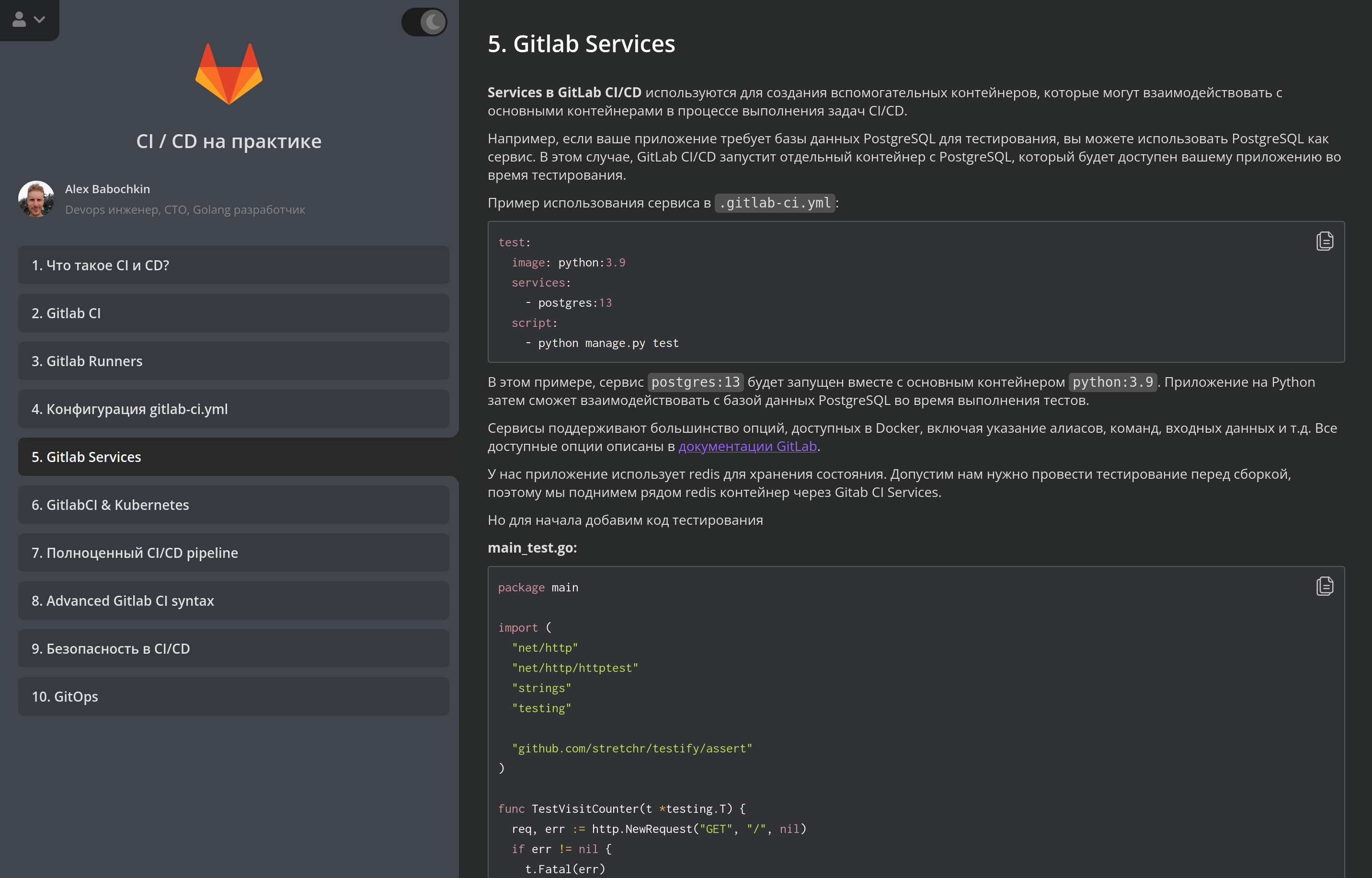
Platform benefits

Team